
The AI Wasted Spend Problem No One Is Talking About

Your team is paying for AI tools every single month. Here is why most of that money is going nowhere and exactly what to do about it.
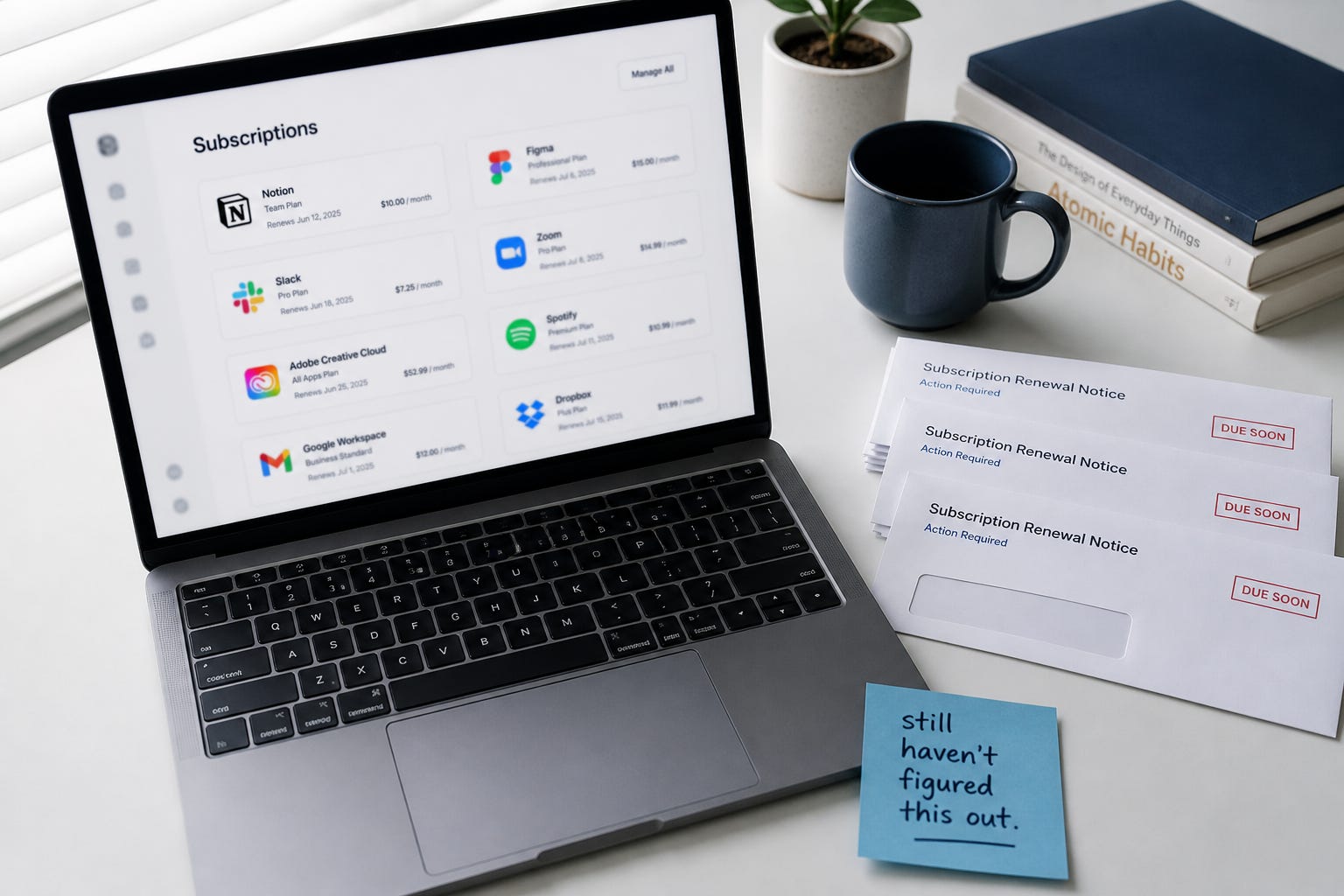
The Hidden Cost of Unused AI Tools in Small Businesses
The AI Wasted Spend Dilemma
Every month, your business is billed for AI tools that your team rarely uses. This issue is widely recognized among both management and staff, yet it remains unaddressed. This ongoing AI wasted spend problem is costing small businesses tens of thousands of dollars annually, with tools running unnoticed in the background while essential tasks are still performed manually.
The Business Impact: More Than a Personal Problem
Paying for a gym membership you never use is a personal issue. However, paying for a gym your entire team never enters is a business concern. Many small business owners understand this reality, recognizing unused tools and intending to resolve it—after the next deadline, quarter, or hire. Meanwhile, the tools remain active, the bills keep coming, and the gap between what you pay for and what you actually utilize continues to widen.
Understanding the Subscription Bill
Most are surprised to learn the actual costs associated with these tools. For example, the average small business using Microsoft 365 Business Standard pays $12 to $22 per user monthly for a suite of applications such as Word, Excel, Outlook, Teams, SharePoint, OneDrive, and Copilot AI features. For a 20-person team, this amounts to approximately $240 to $440 per month, or $3,000 to $5,000 annually. A 50-person team would pay double that. The critical question is: how much of this subscription are you truly using?
Much like a cable bundle where you only watch a fraction of available channels, most teams actively use just email and basic document creation, perhaps Teams for meetings. However, the most time-saving features—Copilot for drafting emails, SharePoint search for file retrieval, Power Automate for task flows, Teams transcription for meeting notes—often go untouched. They exist but are not enabled, and no one has trained the team to use them for daily tasks.
Three Root Causes of Underutilization
It’s easy to blame the team for not using the tools, but the issue is rarely laziness. Every AI Time Audit session consistently reveals three root causes:
1. Disconnected Tools from Real Work: General AI tools only become useful when they are tailored to the specific tasks your team performs. Without this connection, the tools remain unused icons.
2. Disorganized Files: AI tools lose effectiveness when documents and information are scattered across multiple locations—email, desktop folders, outdated SharePoint sites, neglected Teams channels, and shared drives. Copilot’s ability to synthesize information is hindered by a messy environment, leading to incomplete results and misplaced blame.
3. Lack of Safety Guidance: Many team members are wary of AI due to privacy concerns and have not received clear instructions on what is safe to use. This uncertainty leads to inaction or the use of insecure consumer tools instead of protected enterprise solutions already available in the subscription.
The Real Cost: Time and Money
Quantifying the loss makes it harder to ignore. Many SMB teams regularly perform three to five manual tasks that consume significant hours each week—report building, email follow-up, meeting notes, file searches, and content creation. For instance, a 15-person business where three employees spend two hours each on weekly report building results in 312 hours annually. At a productivity value of $30 per hour, that’s $9,360 per year wasted on one task that AI could streamline.
Losses accumulate not from one large issue, but from numerous small, repeated inefficiencies. When multiplied across workflows and the entire team, the wasted hours—and dollars—add up quickly. Businesses that address this do so not out of technological enthusiasm, but because someone has mapped out exactly where time is lost.
Solving the Problem: A Simple Approach
Closing this gap does not require major IT projects, new software, or a complete team overhaul. Instead, it involves three steps:
1. Identify Time Losses: Conduct a structured conversation to pinpoint repetitive tasks and workflows that consume excessive time.
2. Connect Tasks to Existing Tools: Determine if your current subscription offers solutions for these tasks. Often, the tools are available; the connection simply hasn’t been made.
3. Create a Written Action Plan: Document specific tasks, corresponding tools, actionable steps, and estimated time savings. This written plan ensures accountability and measurable progress.
This process is not about installing new systems or lengthy projects—it’s a focused session resulting in a practical document.

A Five-Minute Readiness Assessment
Before making changes, try this quick exercise:
· Does your team know which AI features are included in your Microsoft 365 plan?
· Has anyone received targeted training on Copilot, SharePoint search, or Teams transcription for your business?
· Are your files organized in a single system or scattered across multiple platforms?
· Do team members understand what is safe to input into AI tools?
· Can you identify three repeated tasks that are slow or frustrating?
If you answered "no" to most, you are not alone—most businesses start here. If you answered "yes," there is likely still a gap between tool capability and usage, which represents lost time and money.
Maximizing Subscription Value
When a software subscription renews and it’s underused, you cancel or seek help—rarely do you continue paying without benefit. Microsoft 365 stands apart because its tools are valuable but not optimized for every business out of the box. The problem lies in onboarding, not the product itself. Many purchased the subscription for basic needs, while AI features were added later and left unexplored.
It’s akin to buying a high-end stand mixer for basic functions and discovering years later it has advanced features you’ve never used. The value was always present; no one showed you how to access it.
The specialized session addresses this by reviewing your tools, connecting them to your team’s work, and providing a written plan prioritizing what to use first. It fixes the most crucial issues efficiently, using the tools you already own.
Next Steps: AI Time Audit Session
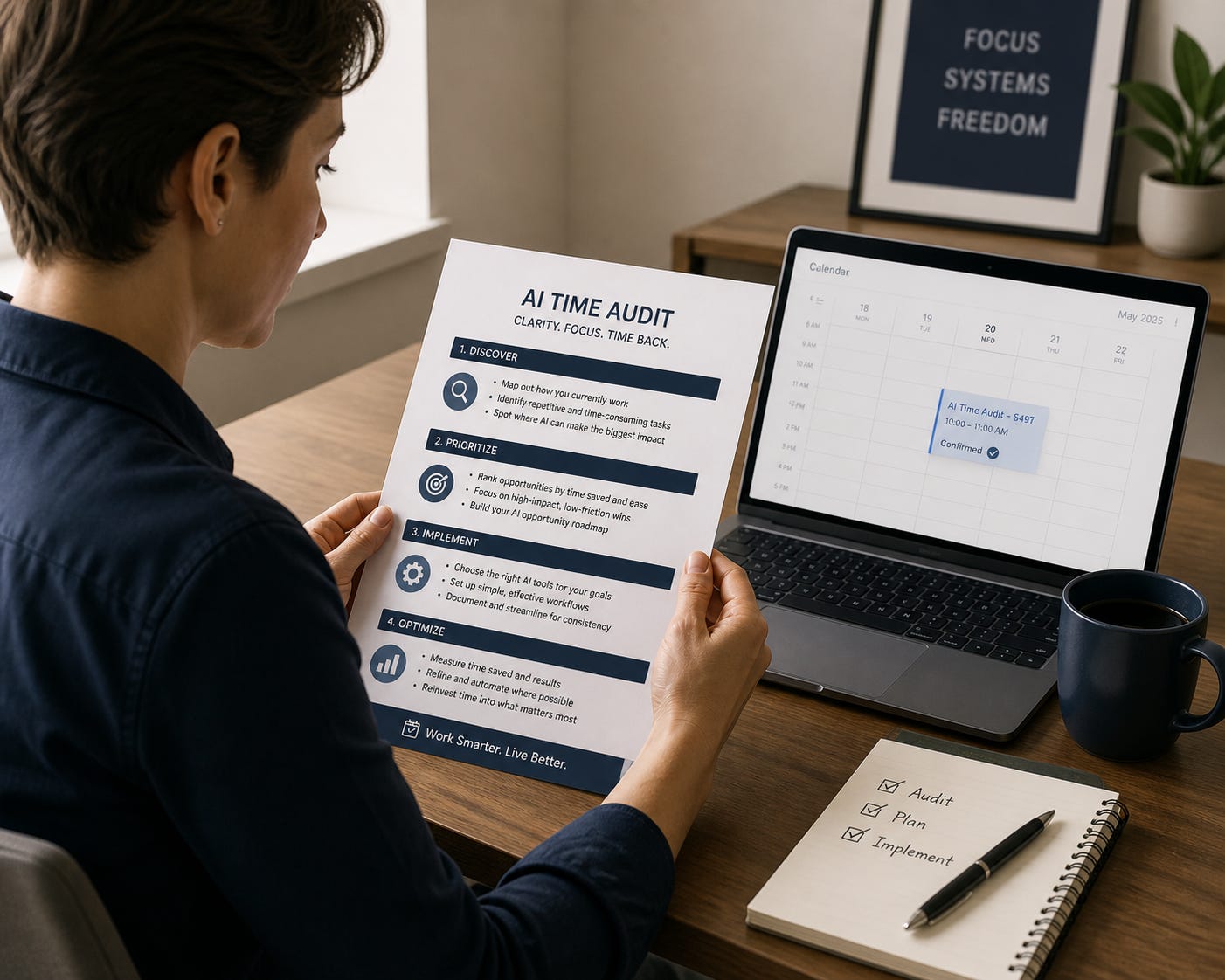
If these challenges resonate—unused tools, manual work, uncertainty about better solutions—the next step is a 90-minute AI Time Audit session. The process includes:
· Reviewing the top five to seven recurring tasks your team performs weekly
· Evaluating your current tools and identifying gaps
· Pinpointing three to five areas where AI can deliver immediate time savings
· Delivering a written summary within 48 hours, detailing prioritized tools, tasks, and first steps
You leave with a clear, actionable plan not just a to-do list.
Session details: 90 minutes, written plan within 48 hours, starting at $497.
Book your session at calendly.com/gittenssylvester/ai-time-audit. For questions, reply to the email or visit techsimplified.cloud.
The tools are already part of your subscription. The session shows you how to use them.