



A two-person coffee shop, a hospital, a bank, and a government agency can all run on Microsoft 365.
That is impressive. It is also why choosing a plan can feel like standing in the world’s best-stocked hardware store without knowing which aisle you need.
Every tool is somewhere on the shelf.
The store is not the problem. You just need someone to point you toward the right section.
That is why I built WhichM365.
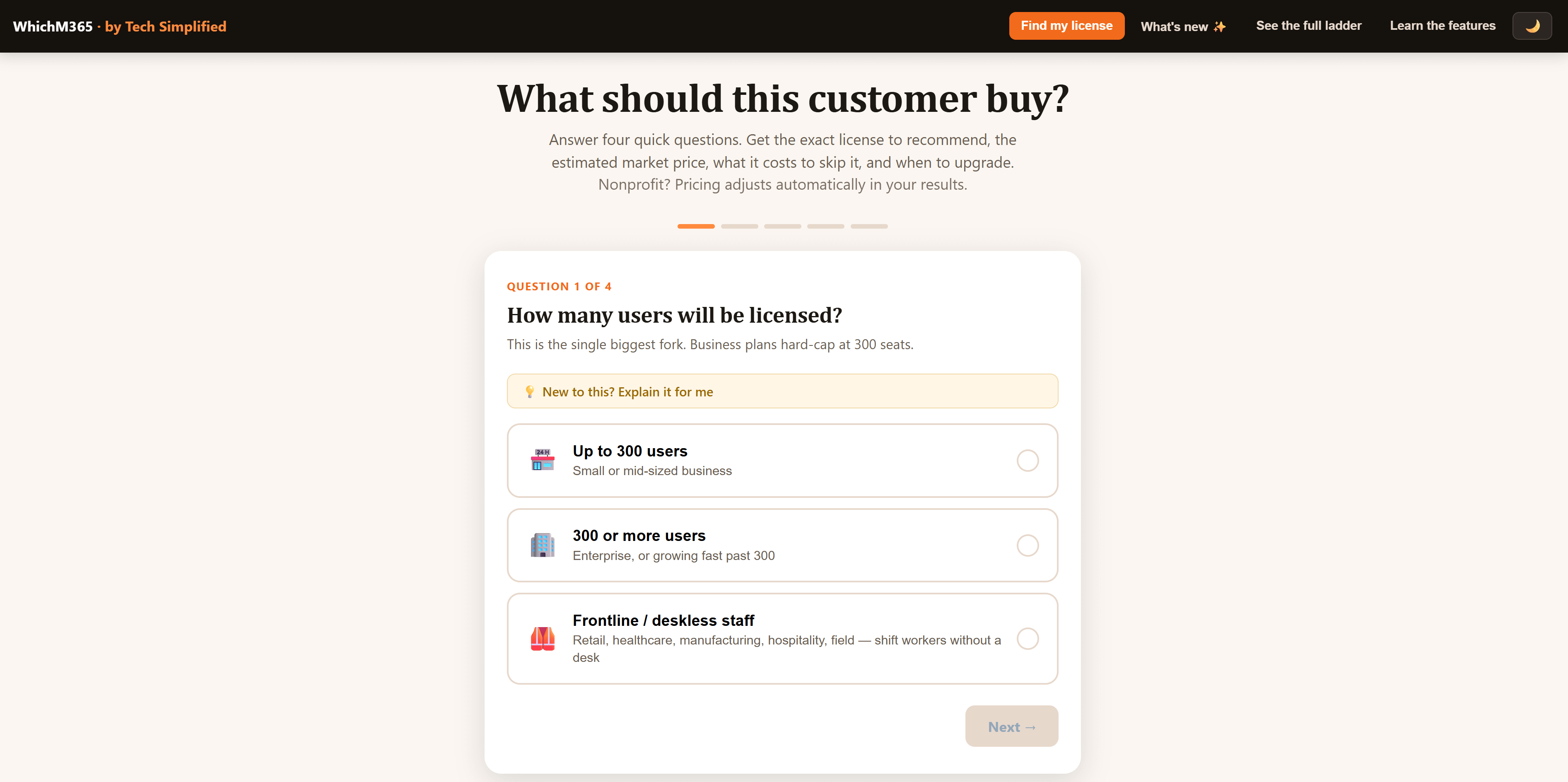
You answer four questions. It gives you a Microsoft 365 plan to consider, estimated pricing, the tradeoffs, and the point when upgrading may make sense.
No login.
No email wall.
No “download our white paper to continue.”
It is a vending machine that actually drops the snack.
Start With the Business, Not the License
Most Microsoft 365 conversations begin in the wrong place.
Someone asks whether the company needs Business Basic, Business Standard, Business Premium, E3, E5, Copilot, Defender, Intune, Purview, or another add-on.
That is like asking which power drill to buy before deciding what you are building.
Start with four simpler questions:
How many people need licenses?
How does the team work?
What level of security and device control is needed?
What should AI actually help people accomplish?
Once you can answer those questions, the license options become much easier to understand.
Question 1: How Many People Need Licenses?
For most small businesses, the first dividing line is 300 users.
Microsoft’s Business plans are designed for organizations with up to 300 users. Businesses above that limit will usually begin evaluating Enterprise plans instead.
A practical starting point looks like this:
Under 300 users: Start with the Microsoft 365 Business family.
More than 300 users: Start evaluating Enterprise licensing.
Employees without regular desks: Review Frontline Worker options.
Government organization: Follow the appropriate government purchasing path.
Mixed workforce: Consider different plans for different employee groups.
You do not always have to give everyone the same license.
Imagine a 70-person manufacturing company.
The finance team may need full desktop applications. Managers may need stronger device controls. Production employees may only need access to schedules, communications, and selected company resources.
One company can contain several different working environments.
The goal is not to make every license identical. The goal is to give each group what it needs without creating unnecessary complexity.
Question 2: How Does the Team Actually Work?
For many SMBs, the practical starting point comes down to three plans.
Business Basic
Think of Business Basic as a furnished desk in a coworking space.
You receive business email, cloud storage, collaboration tools, and browser and mobile versions of the Microsoft applications.
It may fit a small team that works mainly through a browser and does not need full desktop applications.
Business Standard
Business Standard is the complete everyday office.
It adds the installed desktop versions of familiar applications such as Word, Excel, PowerPoint, and Outlook.
This is often the natural starting point for teams that build proposals, manage detailed spreadsheets, create presentations, and rely heavily on desktop applications.
Business Premium
Business Premium is the office plus stronger locks, access controls, and device management.
It combines the productivity tools found in Standard with additional security and management capabilities. Microsoft’s current comparison page lists Business Premium as including Defender for Business, while Microsoft describes the plan as adding advanced cyberthreat protection and device management.
That can matter when employees:
Work remotely
Carry company laptops
Access customer information
Use mobile devices
Handle financial or employee records
Need company access removed quickly when they leave
The question is not whether Premium has more features.
The question is whether the business needs more control.
You can compare the current plans and published prices on the official Microsoft 365 Business plans page. Pricing, promotions, packaging, and availability can change, so confirm the final cost before purchasing.
Security Is Not a Luxury Upgrade
Business owners sometimes treat security like heated seats in a car.
Useful, but optional.
A better comparison is the brakes, locks, and seatbelts.
You may not think about them every day, but they matter when something goes wrong.
Consider a 20-person professional services company.
Employees work from home, visit customer sites, and access files from laptops and phones. One laptop is lost. One employee leaves. Another reuses a password exposed on another website.
These are normal business events.
The licensing question should not be:
Do we want every advanced security feature?
It should be:
How much control do we need over the people, devices, and information involved in our work?
A license can provide useful security tools, but buying the license does not complete the job.
The controls still need to be configured. Employees still need training. The company still needs clear rules for sign-ins, file sharing, personal devices, and sensitive information.
A camera pointed at the wall does not protect the front door.
In the same way, an unused security feature does not reduce much risk.
Teams or No Teams?
Microsoft offers some business plans with and without Teams. The right choice depends on your existing workflow and market availability.
A company already using Zoom and Slack may decide that it does not need Teams.
That can be reasonable.
But look beyond the individual subscription price.
A business might use:
Outlook for email
Zoom for meetings
Slack for chat
Dropbox for files
Another tool for tasks
Each tool may work well.
The friction appears between them.
Employees copy files from one system to another. Conversations become separated from documents. New employees need access to six platforms. Former employees must be removed from each one.
The cheapest individual license does not always produce the cheapest overall workflow.
Choose the no-Teams option because it supports an intentional operating model, not because it is one line item cheaper.
Copilot Should Have a Job
Adding Copilot without identifying useful workflows is like hiring an assistant and never explaining the role.
The person may be capable, but capability alone does not create value.
Start by identifying work that is repetitive, text-heavy, or time-consuming.
For example:
Summarizing long email threads
Drafting proposals
Turning meeting notes into action items
Preparing customer follow-ups
Comparing documents
Creating first drafts of presentations
Analyzing spreadsheet information
Rewriting technical information for customers
Then choose a small pilot group.
Teach those employees how to use Copilot in the context of their actual work. Establish what information they may use, what needs human review, and what should never be entered into an unapproved tool.
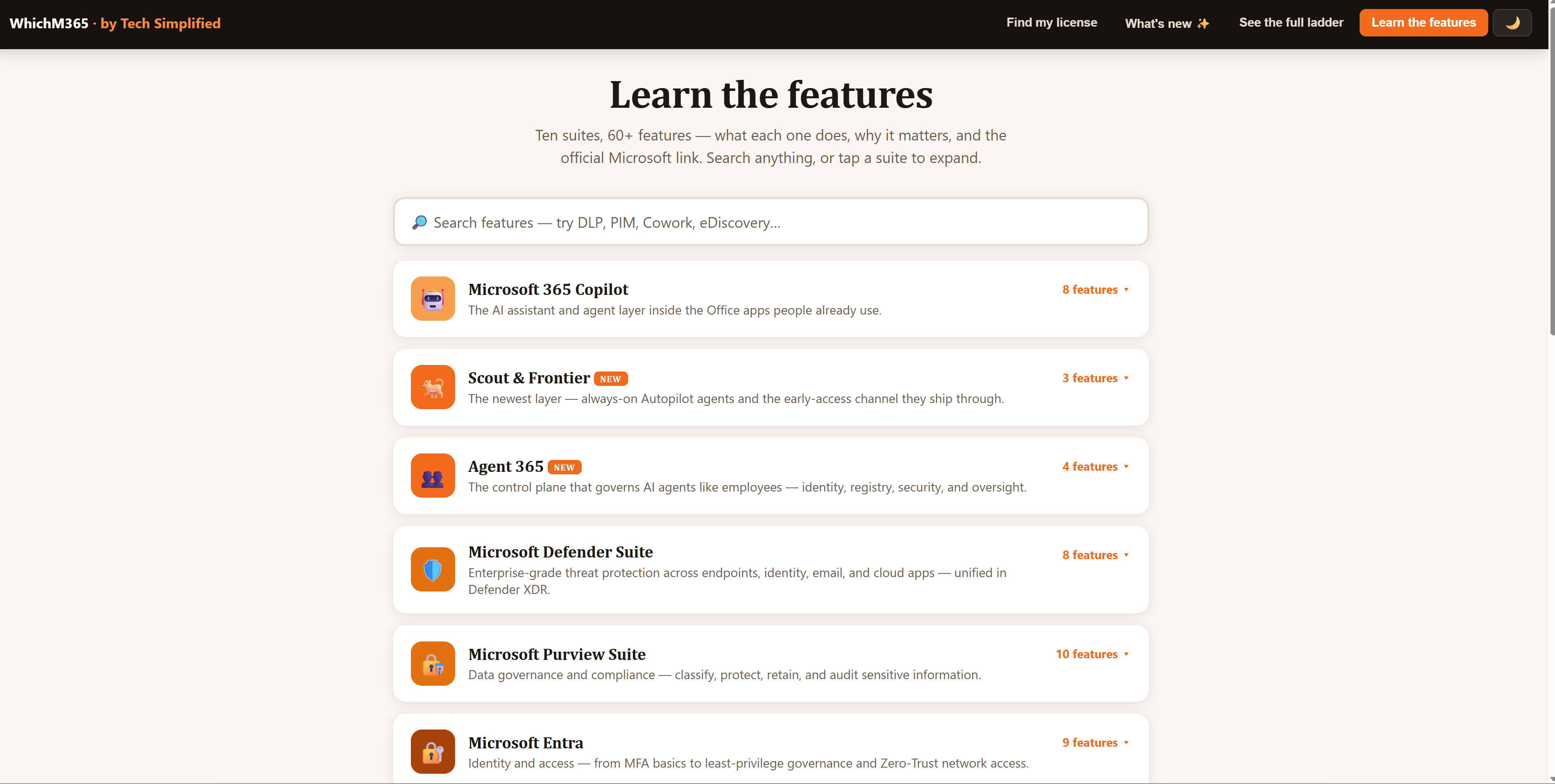
Microsoft currently presents Microsoft 365 Copilot Business as an add-on that brings work-grounded AI into applications such as Word, Excel, PowerPoint, Outlook, and Teams. Exact pricing and eligibility should be checked before purchasing.
Before licensing everyone, ask:
Can we name three recurring tasks Copilot should improve?
When the answer is no, the business probably needs workflow discovery and training before it needs more licenses.
A Recommendation Should Explain the Tradeoffs
A useful recommendation should not only tell you what to buy.
It should explain:
Why the plan fits
What capabilities influenced the recommendation
What is not included
Which add-ons are being proposed
What the estimated recurring cost may be
What future event should trigger an upgrade
Where to verify the official details
That is what WhichM365 is designed to do.
The site asks four questions and provides a starting recommendation, estimated market pricing, the cost or capability tradeoffs, and guidance on when to upgrade. It also includes paths for nonprofit, government, Frontline, Business, and Enterprise scenarios.
It is an educational planning tool, not a final quote.
Use it to enter the purchasing conversation with better questions.
What About New Microsoft 365 Features?
Microsoft 365 changes often.
New capabilities arrive. Existing features are updated. Some products are retired or replaced.
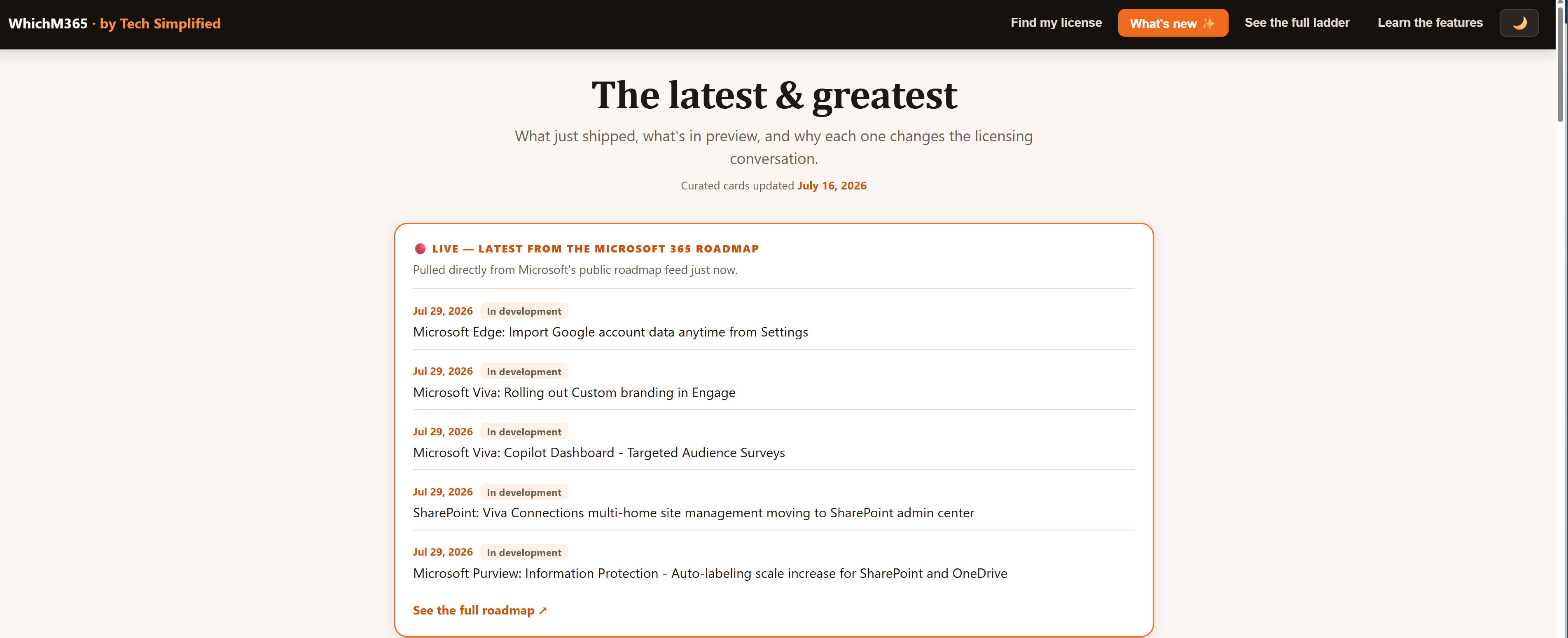
The official Microsoft 365 Roadmap is the best place to review planned and recently released commercial features. Microsoft notes that roadmap dates and information are estimates and can change.
That warning matters.
Do not make a licensing decision based entirely on a future feature that has not reached your tenant.
Availability can depend on the license, region, tenant settings, release schedule, or preview program.
Treat roadmap announcements as planning information, not promises carved into stone.
The Simple Decision Framework
Before buying or renewing Microsoft 365, work through this checklist:
Count the users.
Include office, mobile, remote, and frontline employees.Map the work.
Identify the applications and workflows people rely on.Review the devices.
Decide whether the company needs to manage laptops and phones.Identify sensitive information.
Include customer, employee, financial, and operational data.Choose the collaboration model.
Decide whether Teams or another platform will be the main workspace.Give AI a defined job.
Name the tasks Copilot should improve before purchasing broadly.Document the tradeoffs.
Record what the selected plan includes and what it leaves out.Set an upgrade trigger.
Review the decision when headcount, risk, workflows, or compliance needs change.
You do not need to memorize the entire Microsoft catalog.
You need a confident starting point and a clear reason for choosing it.
Helpful Links
Choose a Starting Point, Not a Permanent Identity
The right Microsoft 365 license is not a permanent identity for your business.
It is a starting point based on your users, workflows, devices, risks, and plans for AI.
Microsoft 365 may be the world’s best-stocked hardware store.
You do not need to walk every aisle.
You need to know what you are building.
Start at WhichM365.com, answer four questions, and review the recommended licensing path before you buy.
For SMB owners who want to identify where AI can remove repeated work, book a Tech Simplified AI Time Audit, starting at $497. You will leave with a clearer view of where your team is losing time, which AI opportunities are practical, and where to begin.
Tech Simplified is an independent business and is not affiliated with, endorsed by, or representing Microsoft. Sly Gittens works at Microsoft in a separate capacity.